
Your Honda key fob is a small but essential device that makes your driving experience more convenient. It allows you to lock and unlock your car, open the trunk, and even start the engine remotely in some models. The key fob battery will ultimately run out, though, just like any other battery-operated gadget. When that happens, you may notice reduced range or the fob not working at all. Fortunately, replacing the battery in a Honda key fob is quick, simple, and inexpensive.
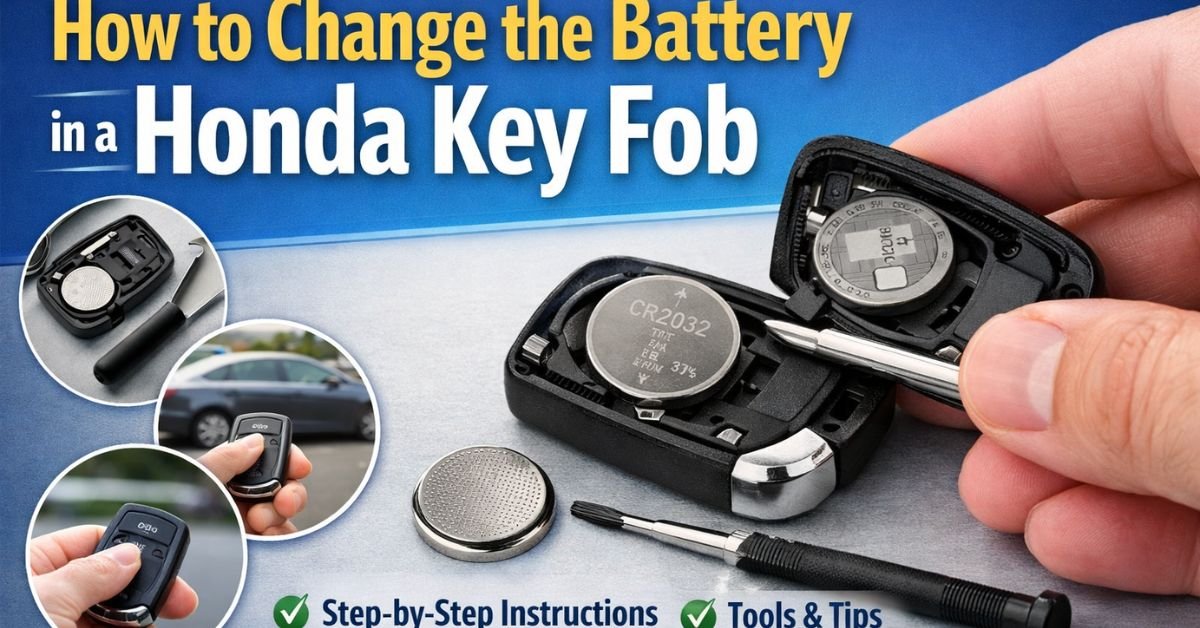
How to Change the Battery in a Honda Key Fob
Signs Your Honda Key Fob Battery Needs Replacement
Before diving into the replacement process, it’s important to recognize when your key fob battery is low. Some common signs include:
- The key fob only works when you are very close to the car
- Buttons require multiple presses to function
- Warning messages appear on your dashboard
- The LED light on the fob becomes dim or stops working
If you notice any of these symptoms, it’s time to change the battery.
What You’ll Need
To replace the battery in your Honda key fob, you’ll need a few basic items:
- A small flathead screwdriver or a coin
- A replacement battery, usually a lithium coin battery (CR2032)
Make sure you check your specific Honda model, as some key fobs may use a different battery type, such as CR2025.
Step-by-Step Guide to Changing the Battery
1. Locate the Seam on the Key Fob
A tiny seam runs around the edge of the majority of Honda key fobs. This is where the two halves of the fob connect. This seam will be used to open the fob.
2. Open the Key Fob
Insert a flathead screwdriver or coin into the seam and gently twist it. Take care to avoid damaging the plastic casing by not using excessive force. The fob should pop open into two halves.
3. Remove the Old Battery
Once opened, you’ll see the battery inside. Carefully remove it using your fingers or the screwdriver. Take note of the battery’s orientation (which side is facing up), as this will be important when inserting the new one.
4. Insert the New Battery
Place the new battery into the slot in the same position as the old one. Typically, the positive (+) side faces up, but double-check to be sure.
5. Reassemble the Key Fob
Align the two halves of the key fob and press them back together until they snap into place. Ensure everything is securely closed.
6. Test the Key Fob
Stand near your car and test all the buttons to confirm that the new battery is working correctly. If everything functions as expected, you’re good to go.
Must Read: Is Duracell a Good Car Battery?
Tips for Maintaining Your Key Fob
To extend the life of your key fob battery and keep it working efficiently, consider these tips:
- Avoid exposing the fob to extreme temperatures
- Keep it dry and away from moisture
- Replace the battery as soon as you notice reduced performance
- Store a spare battery in case of emergencies
When to Seek Professional Help
While replacing a key fob battery is usually straightforward, there are cases where you might need assistance. If your key fob still doesn’t work after replacing the battery, the issue could be with the internal electronics or programming. In such cases, it’s best to contact your local Honda dealership or a qualified automotive technician.
Conclusion
Changing the battery in a Honda key fob is a simple task that can save you time and money. With just a few tools and a replacement battery, you can restore your key fob’s functionality in minutes. By following the steps outlined above, you’ll ensure your key fob continues to work reliably whenever you need it.
Keeping your key fob in good condition not only adds convenience but also helps you avoid unexpected issues. So the next time your Honda key fob starts acting up, you’ll know exactly what to do!