
The brake warning light on your dashboard is one of the most important safety indicators in your vehicle. When this light turns on, it signals that something related to your braking system needs attention. While sometimes the issue is minor, ignoring it can lead to serious safety risks.
If you are wondering how to turn off the brake light on your dashboard, this guide explains the common causes, step-by-step solutions, and when you should seek professional help.
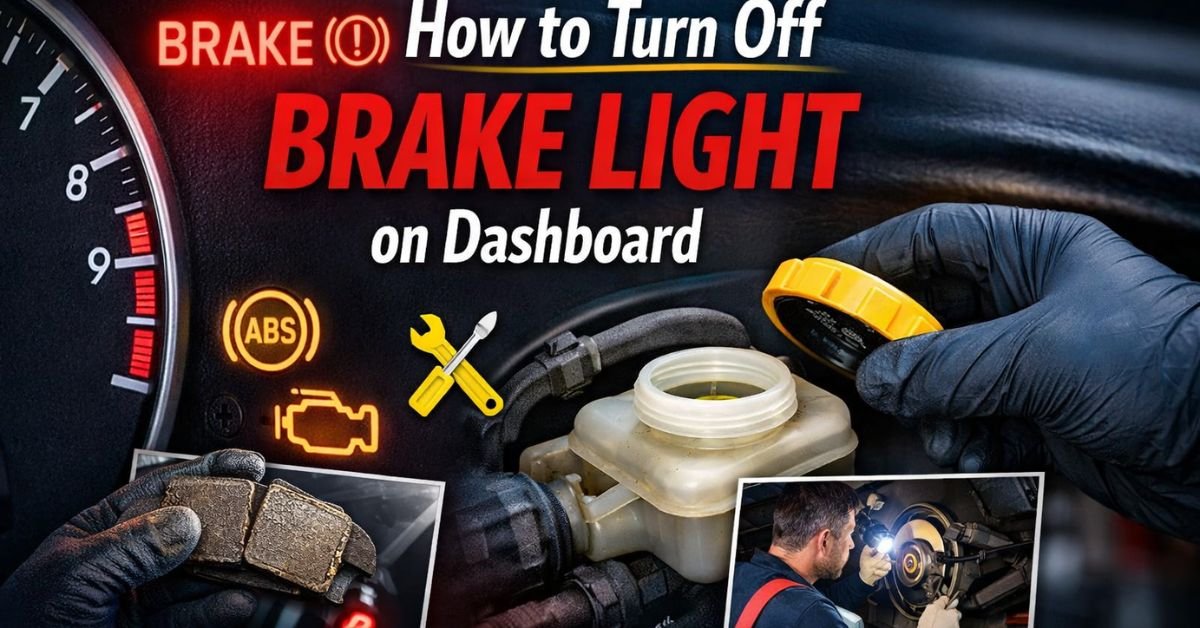
How to Turn Off Brake Light on Dashboard: Complete Guide for Drivers
What Does the Brake Light on the Dashboard Mean?
The brake light usually appears as:
- A red “BRAKE” warning
- A circle with an exclamation mark
- Or a parking brake symbol
This warning light typically relates to three main systems:
- Parking brake status
- Brake fluid level
- Brake system performance
Before attempting to turn it off, it is essential to understand why it turned on in the first place.
1. Check If the Parking Brake Is Engaged
The most common reason for the brake light staying on is a partially engaged parking brake.
How to Fix:
- Ensure your vehicle is parked safely.
- Fully release the parking brake lever or pedal.
- Restart the engine.
Sometimes the brake may look released but remains slightly engaged, keeping the warning light active.
✅ Tip: Lift and release the parking brake again firmly to reset the sensor.
2. Check Brake Fluid Level
Low brake fluid is another major cause of the dashboard brake light.
Your foot’s force is transferred to the braking system with the aid of brake fluid. When levels drop, the warning light activates to protect you.
Steps to Check Brake Fluid:
- Open the vehicle hood.
- Locate the brake fluid reservoir.
- Check fluid level markings (MIN and MAX).
- Add recommended brake fluid if low.
⚠️ Always use the fluid type recommended in your owner’s manual.
If fluid levels keep dropping, there may be a leak that requires immediate inspection.
3. Inspect Brake Pads for Wear
Worn brake pads can trigger the brake warning light in many modern vehicles.
When pads become too thin:
- Sensors detect excessive wear
- Dashboard warning activates
Solution:
- Inspect brake pads visually.
- Replace worn brake pads if necessary.
Driving with worn pads can damage rotors and increase repair costs.
4. Reset the Brake Warning Light
Even after the problem has been resolved, the light may occasionally remain on.
Basic Reset Method:
- Turn off the engine.
- Disconnect the negative battery terminal.
- Wait 10–15 minutes.
- Reconnect the battery.
- Start the vehicle.
This process resets the vehicle’s electronic system and may turn off the warning light.
5. Check the Brake Light Switch
A faulty brake pedal switch can also cause dashboard warnings.
Signs of a bad switch:
- Brake lights stay on constantly
- Cruise control stops working
- Dashboard warning remains active
The switch is located near the brake pedal and may require adjustment or replacement.
6. ABS System Issues
In some vehicles, problems with the Anti-lock Braking System (ABS) can activate the brake light.
Possible causes include:
- Faulty ABS sensor
- Damaged wheel speed sensor
- Electrical wiring problems
If both ABS and Brake lights appear together, professional diagnostics are recommended.
Must Read: How to Tell If Brake Fluid Is Low?
When You Should NOT Ignore the Brake Light
You should stop driving immediately if:
- Brake pedal feels soft or spongy
- Braking distance increases
- Grinding or unusual noises occur
- Fluid leaks are visible
The braking system is directly connected to vehicle safety, so delays can be dangerous.
When to Visit a Mechanic
If the brake light remains on after checking:
- Parking brake
- Brake fluid
- Brake pads
…it is best to have your vehicle inspected by a qualified technician using diagnostic tools.
Modern vehicles rely heavily on electronic sensors, and professional scanning can quickly identify hidden issues.
Preventing Brake Light Problems
Regular maintenance helps prevent dashboard warnings.
Recommended Practices:
✔ Check brake fluid every few months
✔ Inspect brake pads regularly
✔ Service brakes annually
✔ Avoid aggressive braking habits
Routine inspection ensures your braking system stays reliable and safe.
Final Thoughts
Turning off the brake light on your dashboard is not just about removing a warning—it’s about ensuring your vehicle’s braking system works properly. In many cases, the fix is simple, such as releasing the parking brake or topping up brake fluid. However, persistent warning lights should never be ignored.
Always treat brake warnings seriously, because safe brakes mean safe driving for you and everyone on the road.