
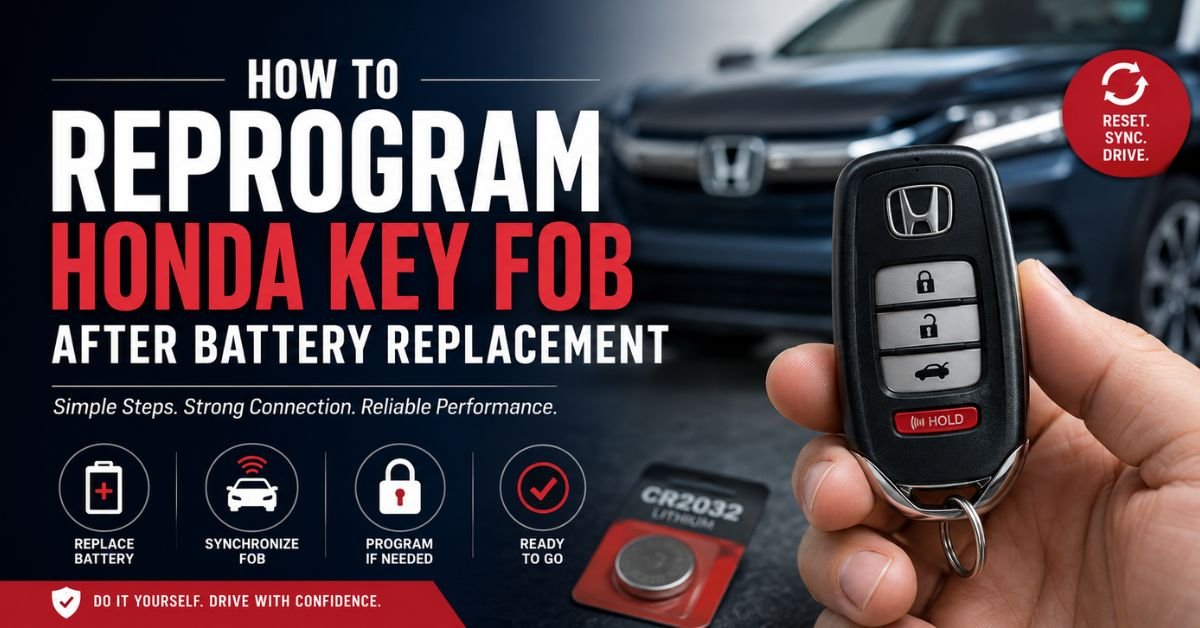
If your Honda key fob stopped working after replacing the battery, don’t panic. In most cases, changing the battery does not erase the key fob’s programming. However, the fob may need to be resynchronized with your vehicle, or the new battery may not be installed correctly. This guide explains how to reprogram a Honda key fob after a battery replacement, what to do if it doesn’t work, and when professional programming is required.
How to Reprogram a Honda Key Fob After Battery Replacement
Does a Honda Key Fob Need Reprogramming After a Battery Change?
Generally, no. Replacing the battery in a Honda key fob does not normally remove its programming. Once you install a fresh battery, the key fob should work immediately.
However, you may experience issues such as:
- The doors are not locked or unlocked by the key fob.
- The push-button start system doesn’t recognize the key.
- The LED on the key fob doesn’t illuminate.
- The remote works only when held very close to the vehicle.
These problems are often caused by a weak or incorrect battery, improper installation, or the need to resynchronize the key fob with the vehicle.
Step 1: Verify the Battery Installation
Before attempting to reprogram your Honda key fob, check the battery installation carefully.
- Make sure you’re using the correct battery type (commonly CR2032 or CR2025, depending on your Honda model).
- Ensure the positive (+) side of the battery faces the correct direction.
- Verify sure the battery contacts are clean and securely in contact with the battery.
- Inspect the key fob for damaged clips or corrosion.
Sometimes simply removing and reinstalling the battery correctly solves the issue.
Step 2: Test the Key Fob
Stand near your Honda and test the following buttons:
- Lock
- Unlock
- Trunk release
- Panic button
Proceed with the synchronization process below if none of these features function.
Step 3: Resynchronize the Honda Key Fob
Many Honda models can be resynchronized after a battery replacement by following these steps:
- Stand close to your vehicle.
- On the key fob, press the Lock button.
- Turn the ignition to the ON (II) position without starting the engine.
- Turn the ignition back to OFF.
- Repeat this process several times if necessary.
- Test the key fob again.
For some Honda models, simply pressing any button several times while standing near the vehicle is enough to restore communication.
Step 4: Programming a Honda Key Fob (Older Models)
If you are adding a new key fob or your existing remote has lost its programming, you may need to enter programming mode.
A common procedure for many older Honda vehicles is:
- Sit inside the vehicle with all doors closed.
- Insert the key into the ignition.
- Turn the ignition to the ON (II) position.
- On the key fob, press the Lock button.
- Turn the ignition back to OFF.
- Repeat the ON/OFF cycle with the Lock button three more times.
- On the fourth cycle, leave the ignition in the ON position.
- The door locks may cycle to indicate programming mode.
- Press the Lock button on each key fob you want to program.
- To get out of programming mode, turn off the ignition.
Important: This procedure does not work for every Honda model. Newer vehicles equipped with smart key systems often require dealer or locksmith programming using specialized diagnostic equipment.
Why Your Honda Key Fob Still Isn’t Working
If your key fob remains unresponsive after replacing the battery, consider these possible causes:
Incorrect Battery
Even if the battery appears similar, using the wrong model can prevent the key fob from operating correctly.
Dead New Battery
Occasionally, a brand-new coin battery may already be discharged. Testing with another battery is a quick way to rule this out.
Damaged Key Fob
Dropping the key fob or exposing it to water can damage the internal circuit board.
Vehicle Battery Problems
A weak or dead car battery may prevent the vehicle from communicating properly with the key fob.
Lost Programming
Although uncommon after a battery replacement, the key fob can occasionally lose synchronization and require reprogramming.
Must Read: When Should You Add Water to a Battery?
When Professional Programming Is Required
Modern Honda vehicles with push-button start and smart entry systems typically require specialized programming equipment.
You should contact a Honda dealership or qualified automotive locksmith if:
- You purchased a replacement key fob.
- The original key fob was lost.
- The vehicle does not recognize the smart key.
- DIY synchronization procedures fail.
- An immobilizer warning appears on the dashboard.
Professional programming usually takes less than an hour and ensures the remote, immobilizer, and push-button start system are properly paired.
Tips to Extend Honda Key Fob Battery Life
To reduce future battery-related issues:
- Replace the battery every 2–4 years or when the range decreases.
- Avoid exposing the key fob to moisture or extreme temperatures.
- Store spare batteries in a cool, dry place.
- Avoid pressing buttons unnecessarily while the key fob is in your pocket or bag.
- Clean the battery contacts whenever replacing the battery.
Frequently Asked Questions
Can replacing the battery erase my Honda key fob?
No. A battery replacement typically does not erase the programming stored inside the key fob.
Why does my Honda key fob only work up close?
This usually indicates a weak battery, poor battery contact, or interference from nearby electronic devices.
Can I program a new Honda smart key myself?
Most newer Honda smart keys require dealer- or locksmith-level programming equipment and cannot be programmed at home.
What is the lifespan of a Honda key fob battery?
Most Honda key fob batteries last between 2 and 4 years, depending on usage and environmental conditions.
Final Thoughts
Replacing the battery in your Honda key fob is usually a straightforward task, and in most cases, it does not require reprogramming. Make sure the battery is placed correctly before attempting to synchronize the key fob with your car if the remote stops functioning following a battery change. For newer Honda models with smart key technology, professional programming may be necessary if the key fob still isn’t recognized.
By following the troubleshooting steps in this guide, you can often restore your Honda key fob’s functionality without an expensive repair, saving both time and money.