
The Chevrolet Bolt EV has gained popularity as an affordable and practical electric vehicle. However, one of the most important topics surrounding certain Bolt models is the battery recall issued by General Motors (GM). Because of this recall, many used-car buyers and current owners want to know whether a Chevy Bolt has already had its battery replaced. Fortunately, there are several ways to verify the battery replacement status of a Bolt EV.
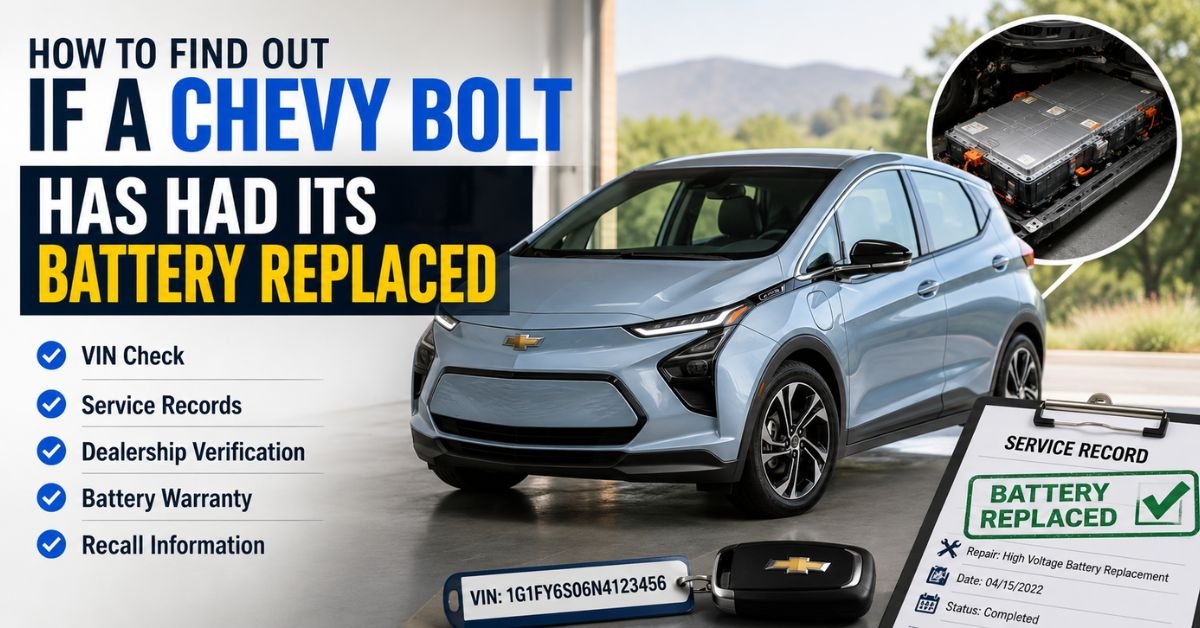
How to Find If a Chevy Bolt Has Had Its Battery Replaced
Why Battery Replacement Matters
Between 2017 and 2022, some Chevrolet Bolt EV and Bolt EUV models were affected by a battery defect that could increase the risk of battery fires. To address the issue, GM launched a large recall program and replaced battery packs in many affected vehicles.
A Bolt with a newly replaced battery often offers several advantages:
- Improved peace of mind regarding battery safety
- Potentially extended battery warranty coverage
- Better resale value
- Assurance that recall work has been completed
If you are shopping for a used Bolt or want to confirm the status of your own vehicle, it is worth taking a few minutes to investigate.
1. Check the Vehicle Identification Number (VIN)
The easiest way to determine whether a Chevy Bolt has had its battery replaced is by checking the vehicle’s VIN.
The VIN is a unique 17-character code that can be found:
- Close to the windshield on the driver’s side dashboard
- Inside the driver’s door jamb
- On vehicle registration documents
Once you have the VIN, visit Chevrolet’s recall website or contact a Chevrolet dealership. A dealer can enter the VIN into GM’s service database and verify whether the battery replacement recall has been completed.
If the recall shows as completed, there is a good chance the battery was replaced or repaired according to GM’s official recall procedures.
2. Review Service Records
Service records can provide direct evidence of a battery replacement.
Ask the current owner or dealership for maintenance and repair documents. Look for descriptions such as:
- High-voltage battery replacement
- Battery pack replacement
- Recall repair completion
- Battery module replacement
Official GM service paperwork will usually list the repair date and details of the work performed.
When buying a used Chevy Bolt, reviewing these records can help confirm the vehicle’s history and provide additional confidence in your purchase.
3. Contact a Chevrolet Dealer
Chevrolet dealerships have access to manufacturer service databases that are unavailable to the general public.
By providing the VIN, a service advisor can often tell you:
- Whether the recall was completed
- When the battery was replaced
- Whether any battery-related service campaigns remain open
- Current warranty information
This is one of the most reliable methods because the information comes directly from GM’s records.
4. Check the Battery Warranty Information
Many Bolt owners who received replacement batteries also received updated warranty coverage on the new battery pack.
Ask the dealership to verify:
- Battery installation date
- Remaining battery warranty
- Warranty start and end dates
If the warranty period appears newer than the vehicle’s original purchase date, that may indicate the battery was replaced under the recall program.
Must Read: Is a 2020 Subaru Outback Battery Self-Charging?
5. Use Vehicle History Reports
Vehicle history services can sometimes reveal major repairs and recall-related work.
Reports may include:
- Recall completion records
- Dealer service visits
- Major component replacements
While not every battery replacement appears on a history report, it can provide another clue when combined with dealership verification and service records.
6. Inspect Under the Vehicle
For owners comfortable with vehicle inspections, a visual examination may provide hints.
Signs of a recently replaced battery pack can include:
- Newer-looking battery housing
- Fresh labels or identification stickers
- Clean mounting hardware compared to surrounding components
However, this method is not always conclusive because battery packs are mounted underneath the vehicle and may not show obvious signs of replacement.
7. Ask the Seller Directly
If you are purchasing a used Bolt, don’t hesitate to ask specific questions such as:
- Was the battery replaced under the GM recall?
- Do you have documentation showing the replacement?
- When was the work completed?
- Was the entire battery pack replaced or only certain modules?
A reputable seller should be willing to provide documentation or direct you to a dealership for verification.
Final Thoughts
Determining whether a Chevy Bolt has had its battery replaced is an important step for current owners and prospective buyers. The most reliable methods include checking the VIN, contacting a Chevrolet dealer, reviewing service records, and confirming warranty information. While vehicle history reports and visual inspections can provide additional clues, official GM service records remain the best source of accurate information.
If you’re considering purchasing a used Chevrolet Bolt, verifying the battery replacement status can help ensure you’re getting a vehicle that has received all necessary recall work and offers the best possible long-term value.
SEO Title: How to Find If a Chevy Bolt Has Had Its Battery Replaced
Meta Description: Discover how to determine whether a Chevy Bolt’s battery has been changed. Discover VIN checks, service records, warranty verification, and dealer resources to confirm battery replacement status.